
TiviMate IPTV – Frequently Asked Questions
Get quick and simple answers to the most common questions about TiviMate and IPTV setup.
Service Questions
Get answers to common IPTV service inquiries, including playlist setup, TiviMate compatibility, and troubleshooting streaming issues.
Billing Questions
Find information about IPTV subscription renewals, pricing, payment methods, and how to manage your billing securely.
Payment Questions
Learn how to complete payments for IPTV services, activate Premium features like TiviMate, and resolve payment-related errors.
General Questions
Browse general IPTV and TiviMate questions, including supported devices, app installation, and recommended IPTV providers.
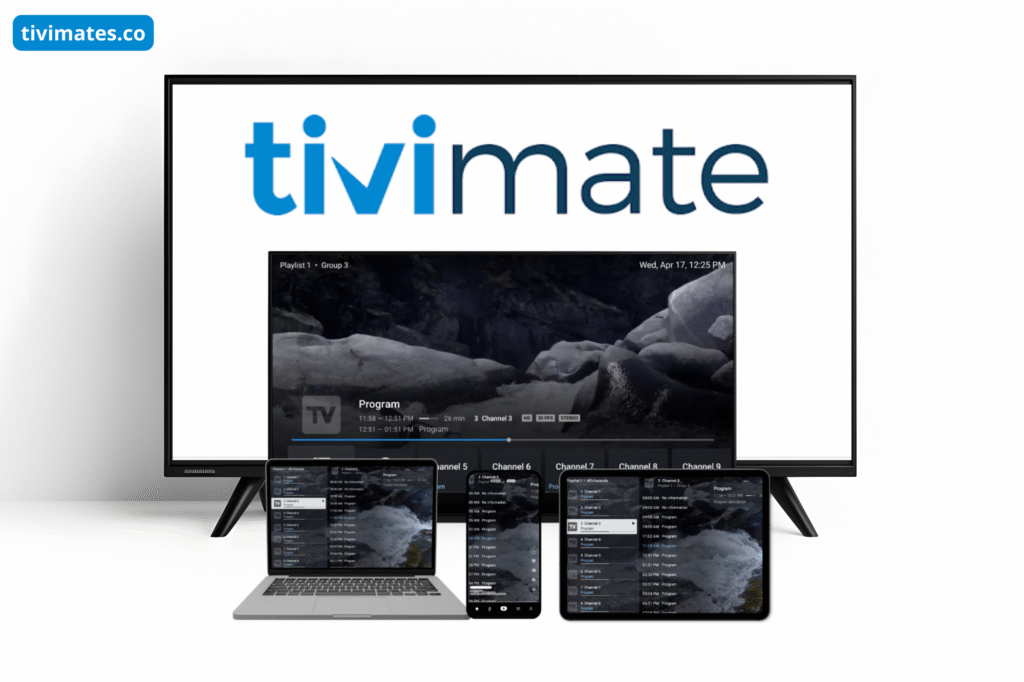
TiviMate IPTV Player is an advanced IPTV application that allows you to stream live TV channels, movies, and series using an M3U playlist or Xtream Codes from your IPTV provider. The app organizes channels, offers EPG guides, and gives you a smooth, modern TV interface.
No. TiviMate does not provide IPTV channels. You must use your own IPTV subscription or playlist from a third-party provider. TiviMate is only a media player.
TiviMate works on Android TV devices, Firestick, Android TV boxes, Nvidia Shield, and Smart TVs running Android OS. It does not support iOS, Windows, or macOS.
No. TiviMate is Android-only. iPhone, iPad, and Windows PCs are not supported. You can only use TiviMate on Android-based devices.
You can download TiviMate from the Google Play Store on any Android device. If it’s not available, you can sideload the APK. After installing, simply add your M3U URL or Xtream Codes to start watching IPTV.
The free version lets you use one playlist with basic features.
TiviMate Premium includes:
Multiple playlists
Advanced EPG features
Recording & catch-up support
Favorites management
Backup & restore
No limitations
TiviMate Premium costs a small yearly fee or a one-time lifetime license. You can activate it through the TiviMate Companion App from the Google Play Store on an Android phone.
Yes. TiviMate cannot work without an IPTV playlist. You must have an active IPTV provider that gives you an M3U URL or Xtream Codes login.
A TiviMate Premium license allows you to use the app on up to 5 devices, using the same registered account.
Yes. TiviMate Premium allows you to add multiple M3U playlists and Xtream Codes, making it easy to combine different IPTV services.
Yes, TiviMate Premium supports recording, but your device must have enough internal storage or external storage (USB) for saving recordings.
Yes. TiviMate supports EPG (Electronic Program Guide). You can add your EPG URL manually or use the EPG that comes with your IPTV provider.
M3U URL: A playlist link that includes all channels.
Xtream Codes: Login using server URL, username, and password, often more stable and faster.
Both methods work well on TiviMate.
Yes, TiviMate is legal. However, the legality of IPTV content depends on your IPTV provider. TiviMate only plays the streams you add.
TiviMate does not recommend or include IPTV services. You must choose a trusted IPTV provider that offers M3U or Xtream login and is compatible with TiviMate.