
How to Use an M3U Playlist on TiviMate Player (Free)
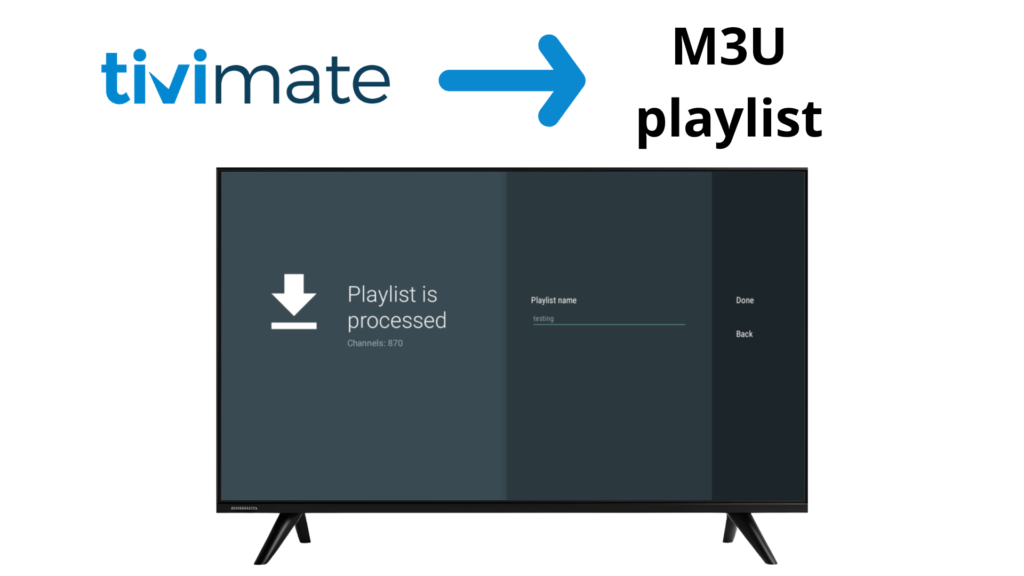
An M3U playlist is one of the most common formats used for IPTV streaming. It allows users to load live TV channels, movies, and series into IPTV players such as TiviMate using a single playlist URL or file.
In this guide, you’ll learn what an M3U playlist is, how it works, and how to use an M3U playlist with TiviMate IPTV Player step by step.
⚠️ Important: TiviMate is an IPTV player only. It does not provide playlists or TV channels.
WHAT IS AN M3U PLAYLIST?
An M3U playlist is a text-based file or URL that contains streaming links to IPTV content.
It is widely used by IPTV players to load:
- Live TV channels
- Movies (VOD)
- TV series
- Radio channels
M3U playlists are flexible and supported by most IPTV players.
Easy to use
Widely supported
Simple playlist format
TYPES OF M3U PLAYLISTS
M3U URL
- A web link provided by an IPTV service
- Automatically updates when refreshed
M3U File
Downloaded
.m3ufileMust be uploaded manually
Does not auto-update unless replaced
WHAT YOU NEED TO USE AN M3U PLAYLIST
Before starting, make sure you have:
- An IPTV player (such as TiviMate)
- An M3U playlist URL or file from your IPTV provider
- Stable internet connection
HOW TO USE AN M3U PLAYLIST IN TIVIMATE
Step 1: Open TiviMate
Launch TiviMate IPTV Player on your device.
Step 1: Open TiviMate
1 – Select Add Playlist
2 – Choose M3U Playlist
Step 3: Enter M3U Playlist Details
You can add your playlist by:
- Pasting the M3U URL, or
- Uploading an M3U file
Click Next to continue.
Step 4: Load Channels and Content
TiviMate will load:
- Live TV channels
- Movies (VOD)
- Series
ENABLE EPG WITH M3U PLAYLIST
Some M3U playlists require a separate EPG URL.
Steps:
1 – Go to Settings
2 – Select EPG
3 – Add or update EPG source
4 – Refresh EPG data
M3U PLAYLIST VS XTREAM CODES
Feature | M3U Playlist | Xtream Codes |
Setup | URL or file | Login-based |
Ease of Use | Medium | Easy |
EPG | Sometimes manual | Automatic |
Updates | Manual refresh | Automatic |
Organization | Basic | Advanced |
COMMON M3U PLAYLIST ERRORS & FIXES
M3U playlist not loading?
✔ Check URL format
✔ Ensure playlist is active
✔ Refresh playlist
Channels missing?
✔ Reload playlist
✔ Check with your IPTV provider
EPG not showing?
✔ Add correct EPG URL
✔ Refresh EPG
IS USING AN M3U PLAYLIST LEGAL?
An M3U playlist is just a file format.
The legality depends on the IPTV service providing the content.
TiviMate does not host or control IPTV content. Users are responsible for ensuring their IPTV playlists are legally obtained.
Frequently Asked Questions – M3U Playlist
An M3U playlist is used to load IPTV content such as live TV, movies, and series into IPTV players like TiviMate using a single URL or file.
An M3U URL updates automatically when refreshed, while an M3U file must be uploaded again if changes are made.
No. TiviMate is an IPTV player only and does not provide or sell M3U playlists or IPTV channels.
An M3U playlist is just a file format. Legality depends on the IPTV service providing the content. Users are responsible for ensuring their IPTV playlists are legally obtained.
FINAL THOUGHTS
M3U playlists are a flexible and widely supported way to watch IPTV content using players like TiviMate. While setup may require a few extra steps compared to Xtream Codes, M3U playlists remain a powerful and reliable option for IPTV users.