
How to Install Free TiviMate Player on Android TV
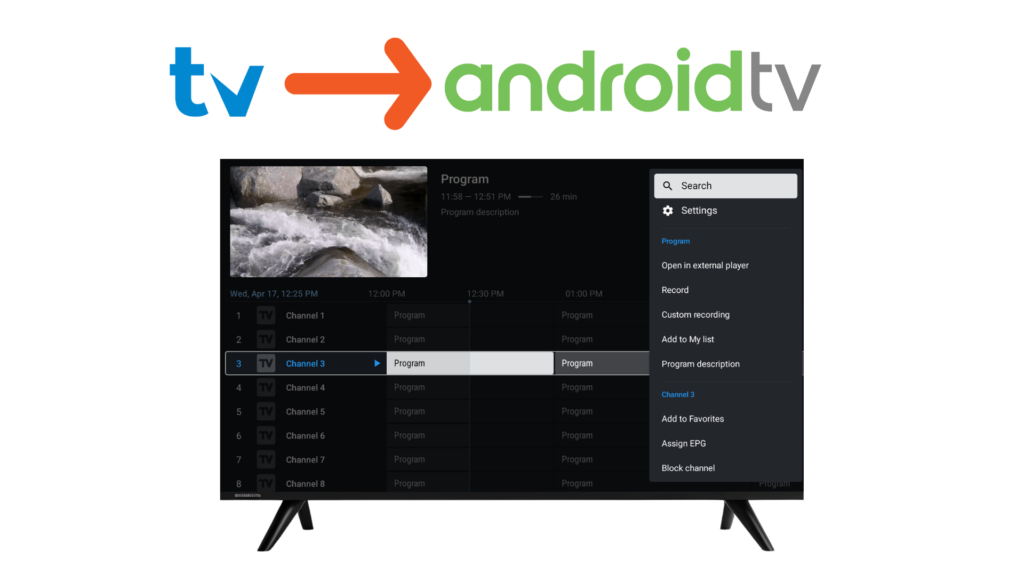
TiviMate IPTV Player is one of the most popular IPTV players for Android TV, offering a clean interface, EPG support, and advanced playlist management. In this guide, you’ll learn how to install and set up TiviMate on Android TV easily, step by step.
⚠️ Note: TiviMate is an IPTV player only. It does not provide any channels or content.
REQUIREMENTS
Before starting, make sure you have:
- An Android TV or Android TV Box
- A stable internet connection
• An IPTV playlist (M3U URL or Xtream Codes) from your provider
METHOD 1: INSTALL TIVIMATE FROM GOOGLE PLAY STORE (RECOMMENDED)
Step 1: Open Google Play Store
Turn on your Android TV and open the Google Play Store from the home screen.
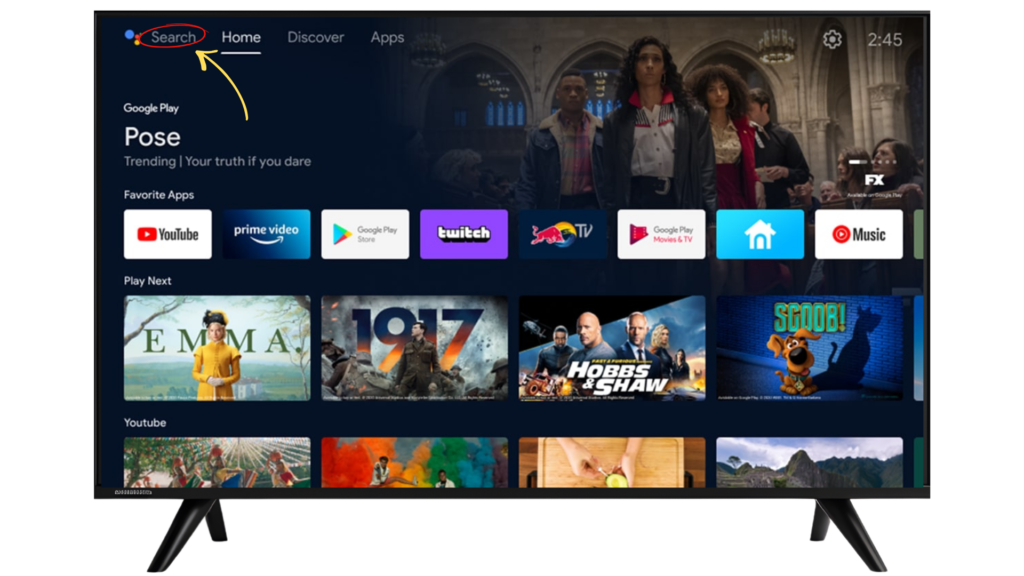
Step 2: Search for TiviMate
Use the search option and type TiviMate IPTV Player.
Step 3: Install the App
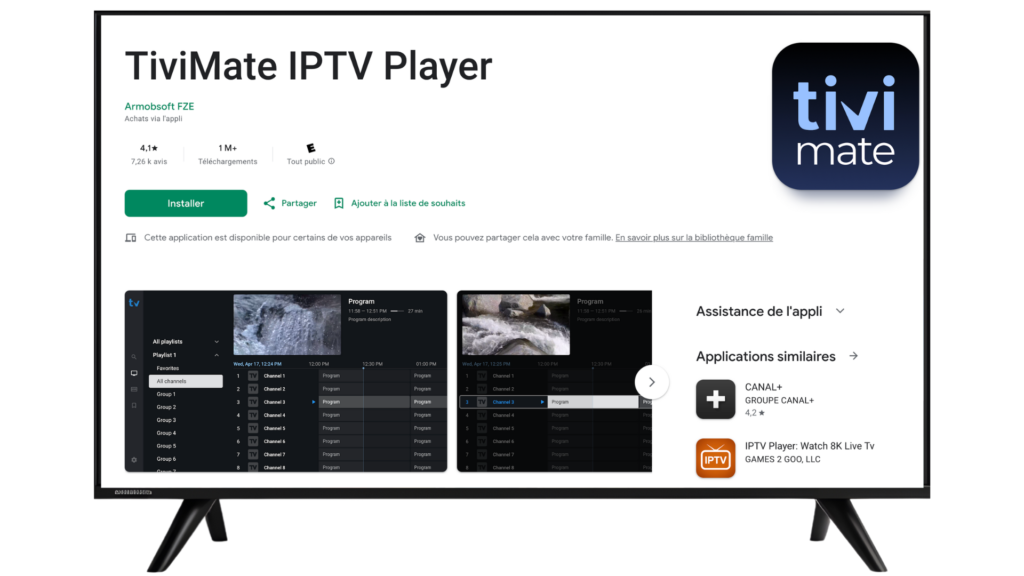
Select TiviMate IPTV Player, then click Install.
Wait for the installation to complete.
Step 4: Launch TiviMate
Once installed, open TiviMate from your Apps section.
SETTING UP TIVIMATE ON ANDROID TV
Step 5: Add Your IPTV Playlist
When you open TiviMate for the first time:
1 – Select Add Playlist
2 – Choose M3U Playlist or Xtream Codes Login
2 – Enter your playlist details
2 – Click Next and wait for channels to load
Step 6: Enable EPG (TV Guide)
To view program schedules:
1 – Go to Settings
1 – Select EPG
1 – Update or refresh EPG data
TIVIMATE TIPS FOR ANDROID TV USERS
Organize Channels
- Add favorite channels
- Hide unwanted channels
- Sort by category
Customize Interface
- Choose list or grid view
- Enable dark mode
- Adjust font size
Improve Performance
- Keep the app updated
- Use stable internet
- Close unused apps
COMMON ISSUES & QUICK FIXES
TiviMate not loading channels?
- Check playlist details
- Refresh playlist
- Contact your IPTV provider
EPG not showing?
- Refresh EPG
- Verify EPG URL
IS TIVIMATE LEGAL?
Yes. TiviMate is a legal IPTV player.
It does not host, stream, or sell any content. Users are responsible for the IPTV playlists they add.
Frequently Asked Questions – TiviMate on Android TV
Yes. TiviMate IPTV Player is available on the Google Play Store for Android TV and compatible Android TV devices.
TiviMate works on most Android TV devices, including Android TV boxes and TVs running the Android TV OS.
No. TiviMate is an IPTV player only and does not include or provide any TV channels or content.
You need an Android TV device, a stable internet connection, and an IPTV playlist (M3U URL or Xtream Codes) from a third-party provider.
TiviMate offers a free version with basic features. Additional features may be available through optional in-app upgrades.
Open TiviMate, select Add Playlist, then enter your M3U URL or Xtream Codes login details and follow the on-screen instructions.
This is usually related to an incorrect or expired playlist. Check your playlist details or contact your IPTV provider.
Yes. TiviMate supports EPG (Electronic Program Guide) when your IPTV playlist includes EPG data.
Yes. TiviMate is a legal media player. Users are responsible for ensuring their IPTV content is legally obtained.
TiviMate supports built-in playback and may allow external players depending on device configuration.
FINAL THOUGHTS
Installing TiviMate on Android TV is quick and simple. With proper setup and customization, you can enjoy a smooth and powerful IPTV viewing experience tailored to your preferences.